
truffles
Find GitHub repos at scale. Scan every commit. Catch leaked secrets. https://truffles.devrecated.com
truffles
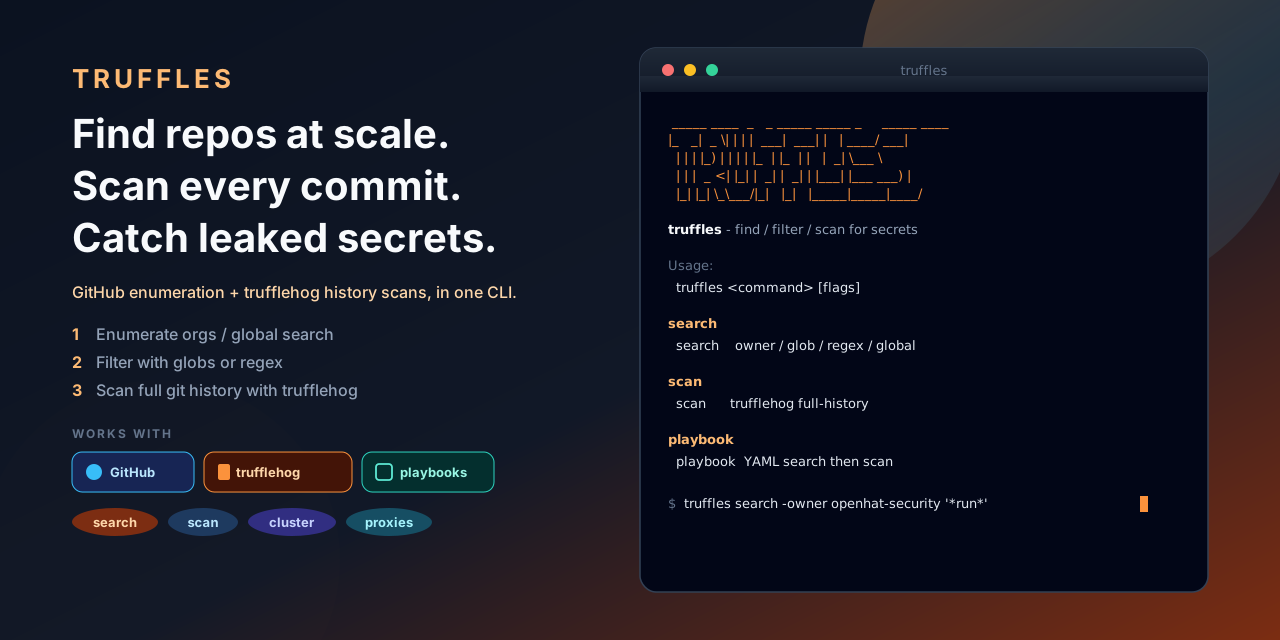
Find GitHub repos at scale. Scan every commit. Catch leaked secrets.
Website: truffles.devrecated.com · Org: openhat-security
Enumerate owners or search globally (with a proxy pool for rate limits), filter by glob or regex, then scan full git history with trufflehog. Or write a YAML playbook and run both steps in one shot.




Install
# from source
git clone https://github.com/openhat-security/truffles
cd truffles
make build          # → ./truffles
make install        # or: go install ./cmd/truffles

# direct binary (macOS / Linux)
curl -fsSL https://raw.githubusercontent.com/openhat-security/truffles/main/scripts/install.sh | bash

# Go
go install github.com/adamsiwiec/truffles/cmd/truffles@latest
Requires trufflehog on PATH for scan (override with -bin). A GitHub token is optional for public search and required for private repos.
Quick start
# guided walkthrough (search + scan)
./truffles wizard

# every public repo under an org
./truffles search -owner openhat-security -out repos.txt

# glob filter (repo names matching *run*)
./truffles search -owner openhat-security '*run*' -out repos.txt

# scan history
./truffles scan -f repos.txt

# or: author a playbook and run both steps
vim playbook.yaml
./truffles playbook -f playbook.yaml

# GCE scan workers (size suggestions, create/list/resize):
./scripts/manage-gce-workers.sh YOUR_PROJECT suggest
./scripts/manage-gce-workers.sh YOUR_PROJECT create --count 2 --machine e2-standard-2
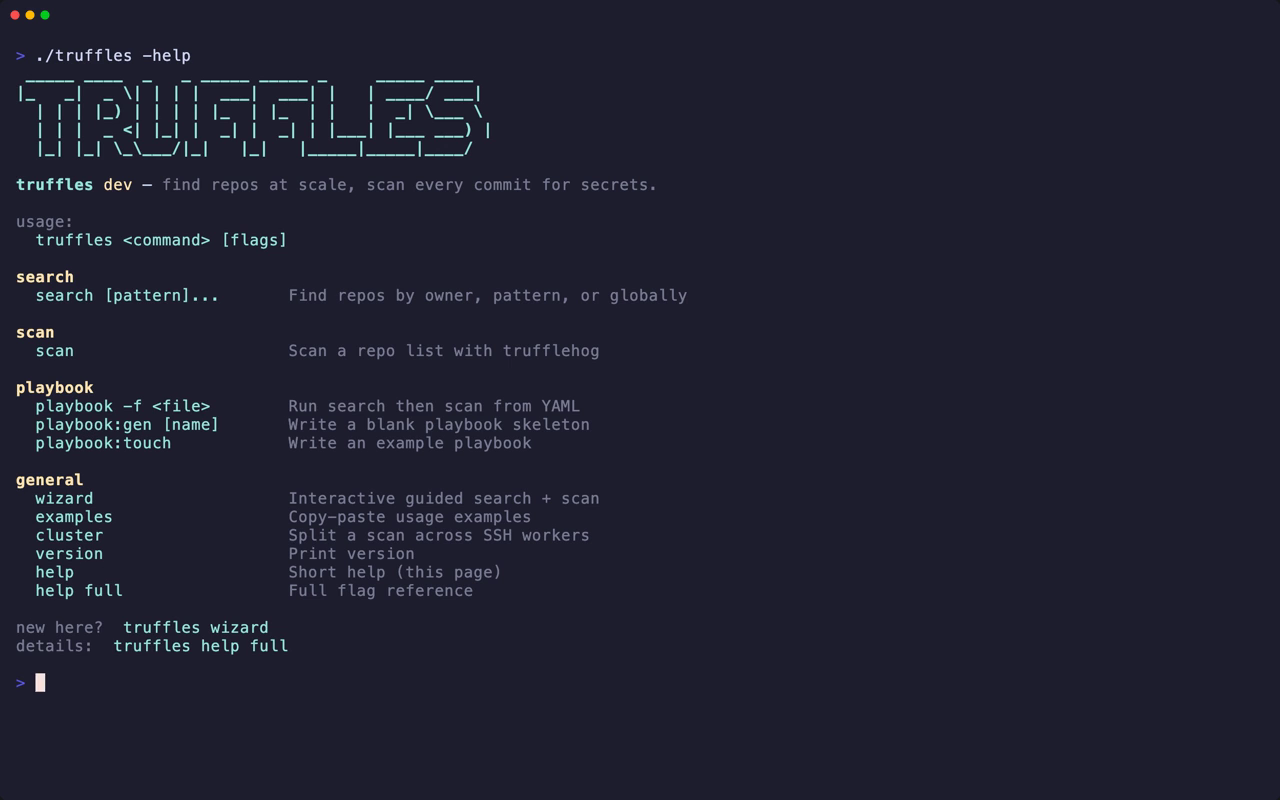
./truffles                # banner + short help
./truffles -help          # same short help
./truffles help full      # full flag reference
./truffles examples
./truffles wizard         # interactive setup
wizard
New here? Run truffles wizard. It walks you through owner vs global search, optional filters, writing a repo list, and kicking off a scan — same pipeline as the commands above, without memorizing flags.
Tips
- Status lines:
[ok]clean ·[++]findings ·[!!]not scanned (never counted as clean). - Reports default to a timestamped file and are fsynced after every repo — Ctrl-C keeps what finished.
-format pretty|csv|jsonl. Colour respectsNO_COLORand-color always|never.-max-depth Nis lossy (misses old commits). Prefer full history when secrets matter.- Record demo GIFs:
brew install vhs && make demo-vhs TAPE=quickstart→assets/screenshots/quickstart.{gif,mp4}. Other tapes: docs/demos.md.
search / scan
Enumeration (-owner) lists every public repo, then filters locally with globs or -regex.
Global search (no -owner) hits GitHub's search API; -q is repeatable and -filter narrows locally.
scan reads a URL list and runs trufflehog. Progress stays on stderr; the report goes to -out.
Deep notes (proxy pool, durability, measured performance): docs/architecture.md.
Security
Reports contain secrets in plaintext. They are gitignored by default — keep them out of version control. Use -results verified when you want only confirmed-live credentials. Rotation, not deletion, removes a leaked secret from GitHub history.
License & contributing
LICENSE · CONTRIBUTING.md · CHANGELOG.md
make check is what CI runs.